Prerequisites
Before you begin, make sure of the following:
Your phone is compatible Required
Check it in our Compatibility section. On iPhone, iOS 15+; on Android, it depends on the brand/model.
Stable Wi-Fi connection
Downloading the eSIM profile requires internet. Preferably use Wi-Fi.
Your eSIM and codes are ready
After purchase you’ll get an email with the QR and/or SM-DP+ / Activation codes. Keep them handy.
💡
Tip: turn off battery saver during installation to avoid interruptions.
Installation using a QR code
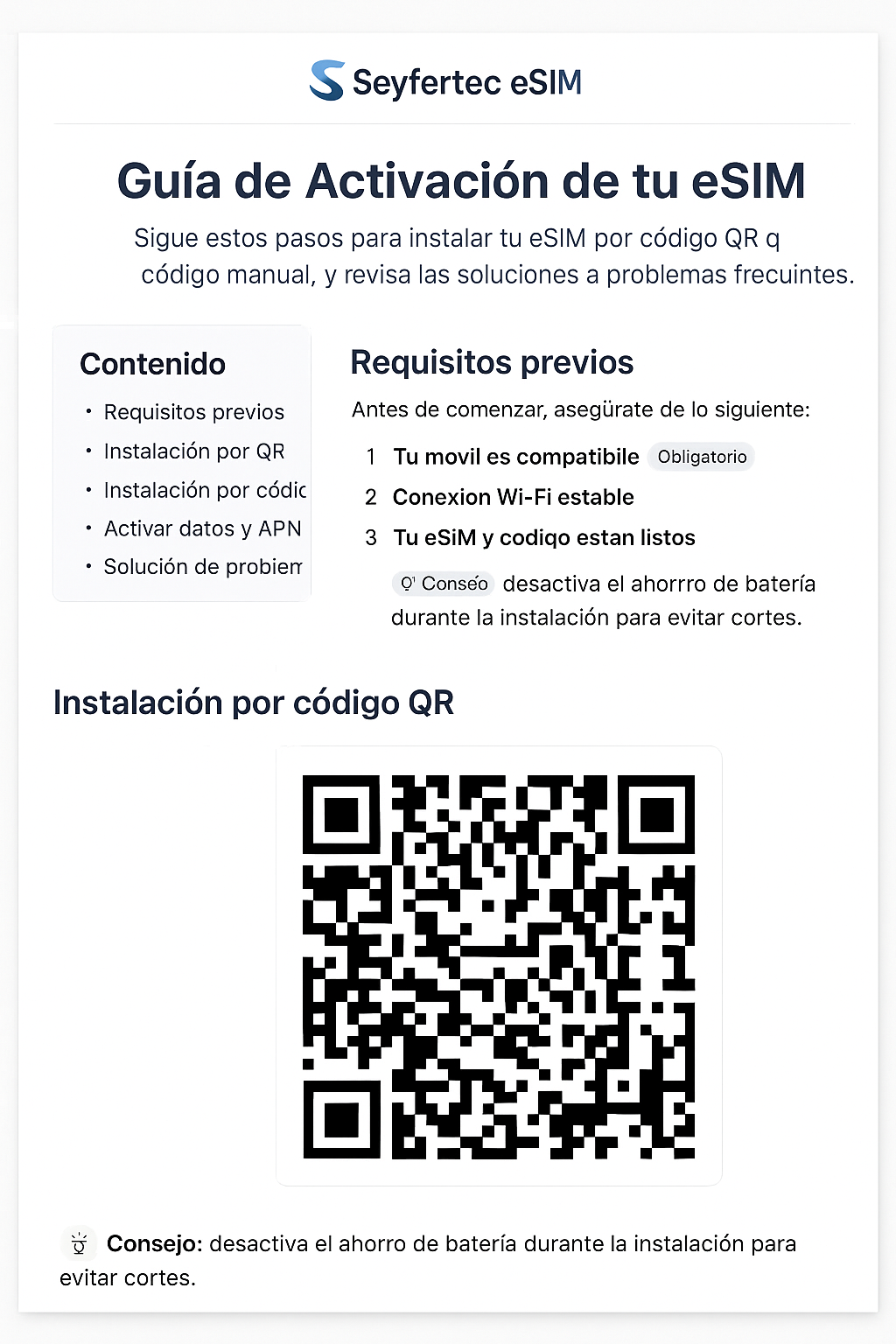
Open the eSIM option on your phone
iPhone: Settings > Mobile Data/Cellular > Add eSIM.
Android (example): Settings > Network & Internet > SIM > + Add eSIM.
Scan the QR
Select “Use QR code” and point the camera at the QR you received.
Confirm the download
Accept the mobile plan installation. Don’t close the screen until it finishes.
Installation by entering code (SM-DP+)
Use this method if you can’t scan the QR.
Open “Add eSIM”
Choose Enter details manually.
Enter the SM-DP+ server and activation code
Use the details provided in your purchase email. Watch out for extra spaces and case sensitivity.
Confirm and install
Your phone will download the profile and prompt you to apply the mobile plan.
Enable data and prefer the eSIM
Select the eSIM as your data line
In SIM settings, set the eSIM as Primary data line. Turn on Data roaming if required.
APN / Access Point Name
It usually auto-configures. If there’s no data, check the APN in the email or in My plans.
Soft restart
If there’s still no signal, restart the device and wait 2–3 minutes.
Troubleshooting
Toggle Airplane mode, verify roaming and data preference. Restart the device. If it persists, review the APN.
Connect to a stable Wi-Fi, disable VPN/proxy, and try again. Make sure there are no extra spaces in the code.
Go to My plans to retrieve your QR/codes or contact support.
Frequently Asked Questions
- Can I use the eSIM and my physical SIM at the same time? Yes, on most Dual SIM devices.
- Does the eSIM expire? Yes, according to the plan validity (days/GB). It starts upon activation or first use, depending on the plan.
- Can I reinstall the same eSIM? It depends on the provider/plan; we recommend not deleting the profile once installed.
Ready to activate or need help?
Our assistant can suggest the ideal plan and guide you in real time.
View plans
Activation Assistant
We help you choose the plan and complete the installation.